
-
1)
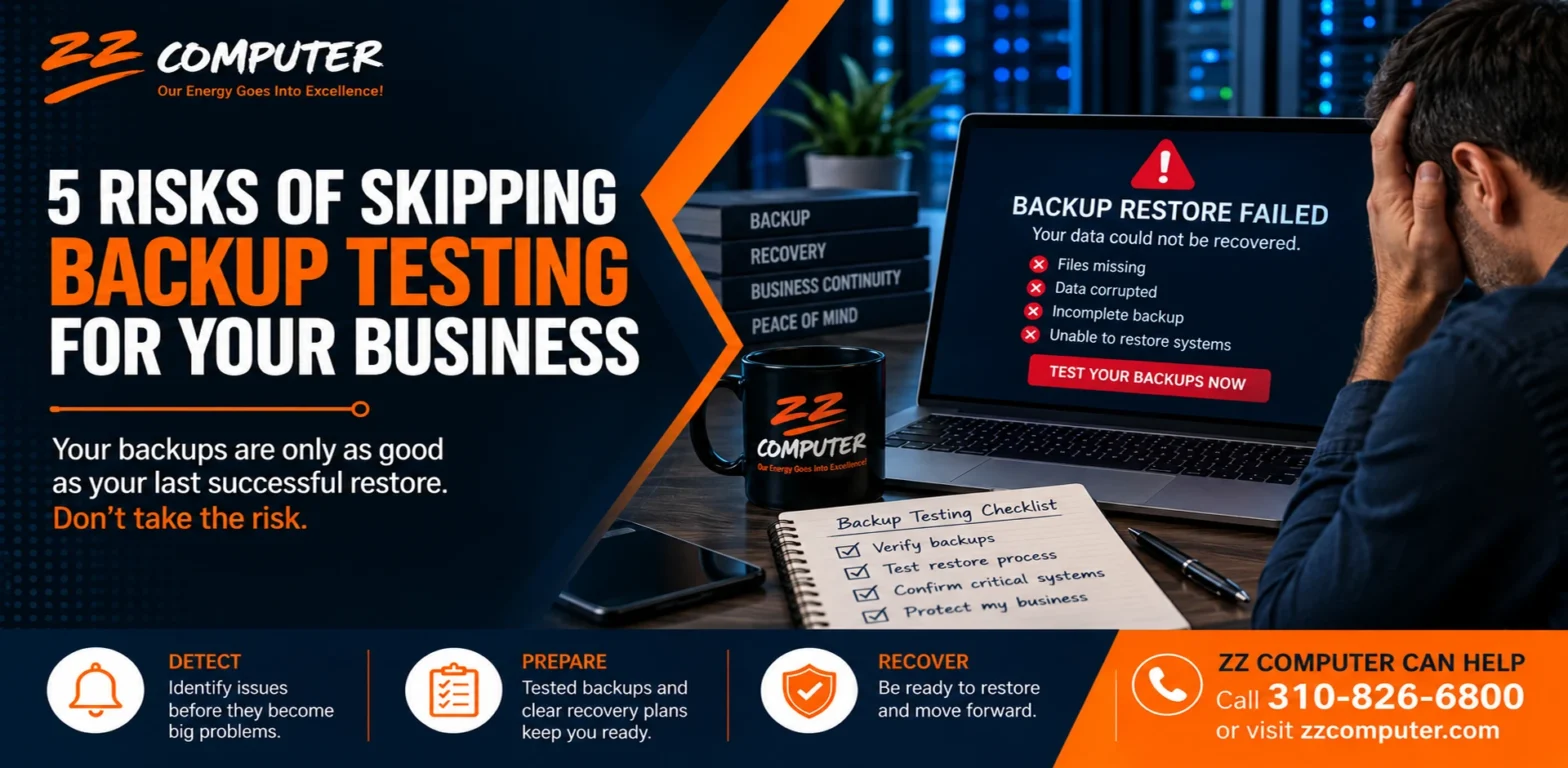
5 Risks of Skipping Backup Testing for Your Business
- 1.1) 1. Ransomware Recovery May Fail When You Need It Most
- 1.2) 2. Important Business Data Could Be Permanently Lost
- 1.3) 3. Backup Problems Can Remain Hidden for Months
- 1.4) 4. An Outage Can Last Much Longer Than Expected
- 1.5) 5. Compliance and Documentation Problems Can Become More Serious
- 1.6) What Should a Backup Test Actually Include?
- 1.7) How Often Should Businesses Test Their Backups?
- 1.8) Your Backup Strategy Should Include Recovery, Not Just Storage
- 1.9) Make Sure Your Backups Work Before You Need Them
- 1.10) How ZZ Computer Can Help
5 Risks of Skipping Backup Testing for Your Business

Most businesses know they need backups.
The problem is that many businesses stop there.
A backup system may appear to be working every day, with successful status messages and files stored safely off-site or in the cloud. But until someone actually restores the data, there is no certainty that those backups will work the way the business expects.
Backup testing answers the question that matters most:
If something went wrong today, could your business actually recover?
A successful backup and a successful recovery are not the same thing. Regular testing confirms that your data can be restored, your recovery procedures make sense, and your team knows what to do when systems are unavailable.
Skipping those tests can create serious problems at exactly the wrong time.
Here are five risks businesses face when backup testing is not part of their regular IT strategy.
1. Ransomware Recovery May Fail When You Need It Most
Backups are an important defense against ransomware, but attackers increasingly try to compromise backup systems as part of an attack.
That means simply having backup files does not automatically guarantee that a business can recover.
A backup could contain encrypted or damaged data. Backup credentials could have been compromised. The restore process may depend on systems that are no longer available. In some cases, a business may discover that its backup environment was affected at the same time as its production systems.
Testing Shows Whether Your Recovery Path Actually Works
A controlled restore test allows your IT team to verify that backup copies are accessible and usable before an emergency occurs.
Testing can also provide valuable information about how long recovery takes.
That matters because restoring a few individual files is very different from rebuilding an entire server, recovering a database, or restoring multiple systems after a ransomware incident.
Without testing, estimated recovery times are often little more than assumptions.
2. Important Business Data Could Be Permanently Lost
Cyberattacks are only one cause of data loss.
Businesses can lose information because of:
- Hardware failure
- Accidental deletion
- Software corruption
- Failed storage devices
- Misconfigured applications
- Employee mistakes
- Fire, flooding, or other physical damage
- Problems with cloud services or synchronization
Backups are intended to protect against these situations, but only if the correct information is being backed up and can be restored successfully.
Backup Testing Can Reveal Missing Data
A test restore may uncover gaps that are difficult to see from a backup dashboard.
For example, a company may discover that shared folders are protected but an important database is not. A server may be included in the backup schedule while an application running on that server requires additional configuration to function after restoration.
Testing allows those problems to be corrected before actual data loss occurs.
It also confirms that restored files open properly and that important business applications can access the information they need.
3. Backup Problems Can Remain Hidden for Months
Some backup failures are obvious.
Others are not.
A backup application may continue reporting successful jobs while certain files are missing, storage settings have changed, or older backup copies have become unusable.
Software updates, infrastructure changes, new applications, and employee changes can also affect what needs to be protected.
These problems may remain unnoticed until someone attempts a restore.
Regular Testing Helps Find Silent Failures
Backup testing provides an opportunity to identify problems while normal business operations are still running.
Your IT team can check whether:
- Important files are included
- Backup versions are current
- Data can be restored without errors
- Applications function properly after restoration
- Backup storage remains accessible
- Recovery credentials are current
- Documentation still reflects the actual environment
Finding an issue during a scheduled test gives the business time to correct it.
Finding the same issue during an outage creates an emergency.
4. An Outage Can Last Much Longer Than Expected
Downtime is expensive for almost any business.
Employees may be unable to work. Customers may have to wait. Orders can be delayed. Billing and communication systems may become unavailable.
The length of that disruption often depends on how familiar the IT team is with the recovery process.
If a restore has never been performed, a real outage becomes the first time everyone learns how the process works.
Recovery Should Not Be Improvised During an Emergency
A tested recovery procedure provides a known sequence of steps.
The team already understands which systems must be restored first, where backup data is located, what credentials are required, and how long different stages are likely to take.
Testing can also reveal dependencies between systems.
For example, restoring an application server may not help if the database it depends on has not yet been recovered.
Regular testing turns recovery from an improvised troubleshooting exercise into a practiced technical procedure.
That can significantly reduce uncertainty when downtime matters most.
5. Compliance and Documentation Problems Can Become More Serious
Some organizations must meet specific requirements for protecting, retaining, and recovering information.
Healthcare organizations, financial firms, law firms, government contractors, and businesses handling sensitive customer information may have regulatory, contractual, or insurance obligations related to data protection.
Simply saying that backups exist may not be enough.
Depending on the organization’s requirements, it may also need documentation showing that recovery procedures are reviewed or tested.
Testing Creates Evidence of Recovery Readiness
Documented backup testing can help demonstrate that the business has taken practical steps to protect important information.
Testing records may include details such as:
- What data was restored
- When the test occurred
- Whether the restore succeeded
- How long recovery took
- Problems discovered during the test
- Corrective actions taken afterward
This documentation can also be valuable even when there is no formal regulatory requirement.
It gives business owners a clearer understanding of whether their recovery strategy is working.
What Should a Backup Test Actually Include?
Backup testing does not always mean rebuilding the company’s entire IT environment.
Testing can be performed at different levels depending on the system and the business.
File-Level Restore Testing
Individual files or folders are restored to confirm that backup data is accessible and usable.
Application Recovery Testing
A business application and its associated information are restored to verify that the application functions properly.
Server Recovery Testing
A server or virtual machine is restored into a controlled environment to verify that it can start and operate correctly.
Full Disaster Recovery Testing
Critical systems are restored according to the company’s disaster recovery plan to determine whether business operations could be resumed within acceptable timeframes.
The appropriate testing schedule depends on the importance of the systems, how frequently data changes, and how much downtime the business can tolerate.
How Often Should Businesses Test Their Backups?
There is no single schedule that fits every organization.
Critical systems generally deserve more frequent testing than information that changes rarely.
Backup testing should also be considered whenever significant changes are made to the IT environment.
Examples include:
- Replacing servers
- Migrating to new applications
- Moving workloads to the cloud
- Changing backup platforms
- Adding important databases
- Changing Microsoft 365 configurations
- Opening new locations
- Making major network changes
The important point is that testing should be planned and repeated, rather than waiting until someone happens to need a file restored.
Your Backup Strategy Should Include Recovery, Not Just Storage
A backup system has one primary purpose: to help restore information after something goes wrong.
If the recovery process has never been tested, there is still uncertainty about whether that purpose can be fulfilled.
The strongest backup strategies combine several elements:
- Reliable backup technology
- Appropriate backup frequency
- Secure off-site or isolated storage
- Monitoring and alerts
- Documented recovery procedures
- Periodic restore testing
- Clear recovery priorities
The goal is not simply to create copies of data.
The goal is to make sure your business can use those copies to resume operations.
Make Sure Your Backups Work Before You Need Them
A failed server, ransomware incident, accidental deletion, or damaged storage device is not the right time to discover that your backups are incomplete or difficult to restore.
Regular testing helps businesses find recovery problems while there is still time to fix them.
It also provides something a backup dashboard cannot provide on its own: confidence based on an actual successful restore.
How ZZ Computer Can Help
ZZ Computer helps small and medium-sized businesses review their backup systems, test recovery procedures, and identify gaps that could lead to unnecessary downtime or data loss.
As part of a broader managed IT and disaster recovery strategy, backup testing can help determine whether critical systems and data are truly recoverable.
If you are unsure when your company last completed a successful restore test, ZZ Computer can help you evaluate your current backup and recovery environment.
Call ZZ Computer at 310-826-6800 or contact us through our website to discuss backup testing, disaster recovery, and managed IT support for your business.