
-
1)
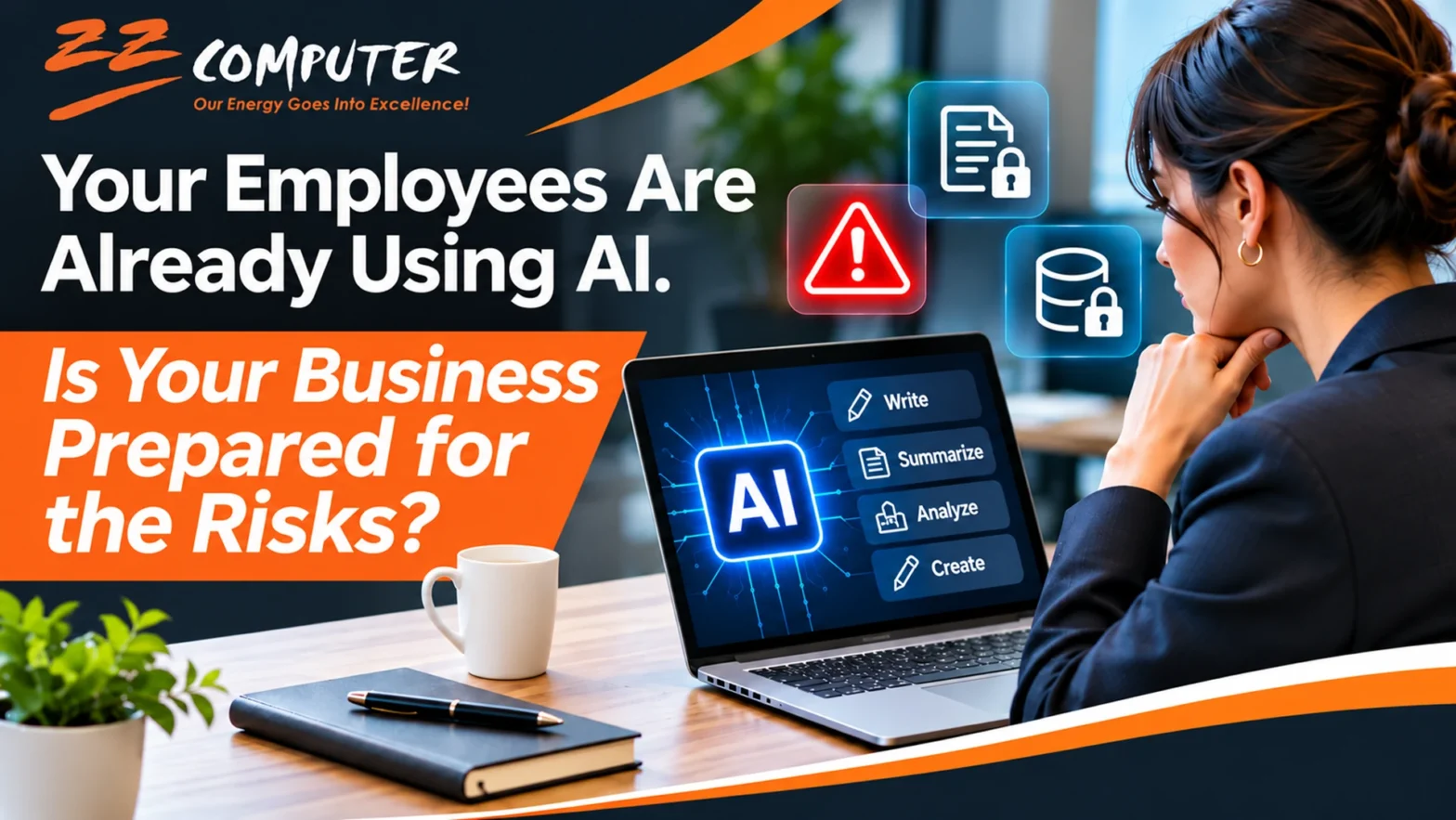
Your Employees Are Already Using AI. Is Your Business Prepared for the Risks?
- 1.1) The Rise of Shadow AI in the Workplace
-
1.2)
5 AI Security Risks Every Business Should Understand
- 1.2.1) 1. Confidential Business Information May Be Exposed
- 1.2.2) 2. AI Can Produce Incorrect or Misleading Information
- 1.2.3) 3. Unapproved AI Applications Can Create Cybersecurity Vulnerabilities
- 1.2.4) 4. Privacy and Compliance Requirements Still Apply
- 1.2.5) 5. Employees May Rely Too Heavily on AI Decisions
- 1.3) Why Banning AI Is Not the Best Solution
- 1.4) Six Practical Steps to Protect Your Business
- 1.5) AI Security Is Becoming Part of Everyday IT Management
- 1.6) Prepare Your Business for Responsible AI Adoption
Your Employees Are Already Using AI. Is Your Business Prepared for the Risks?
Artificial intelligence is becoming part of everyday business operations, often faster than companies can establish policies to manage it.
Employees are using tools like ChatGPT, Microsoft Copilot, and other AI assistants to write emails, summarize documents, analyze information, and complete routine tasks. These tools can improve productivity, but they can also introduce cybersecurity, privacy, and compliance risks when employees use them without proper guidance.
For small and midsized businesses, the challenge is no longer simply deciding whether to adopt AI. It is understanding how employees are already using it and ensuring that business information remains protected.
The question every business owner should be asking is: Do we know what information our employees are sharing with AI tools?
The Rise of Shadow AI in the Workplace
When employees use artificial intelligence applications without their employer’s knowledge or approval, the practice is commonly called Shadow AI.
Shadow AI is similar to Shadow IT, where employees introduce unauthorized software, cloud applications, or devices into the workplace.
The difference is that AI applications can process substantial amounts of business information in seconds, potentially exposing sensitive data through services that have not been reviewed for security or privacy.
This is not an isolated concern. According to Microsoft’s 2024 Work Trend Index, 78% of surveyed employees who used AI at work were bringing their own AI tools into the workplace. Among employees at small and midsized organizations, that figure reached 80%.
Although these findings reflect the survey period rather than current adoption rates, they demonstrate how employee AI usage can develop faster than formal company policies.
Most employees are not deliberately creating security risks. They are simply looking for faster ways to complete their work.
Unfortunately, convenience does not always equal security.
5 AI Security Risks Every Business Should Understand
1. Confidential Business Information May Be Exposed
One of the most significant risks involves employees entering confidential information into public or unapproved AI applications.
Consider an employee who uploads a customer spreadsheet to an AI assistant to generate a sales report.
That spreadsheet might contain customer names, contact information, purchase histories, or financial details.
Depending on the AI provider, account settings, contractual terms, and data-handling policies, the uploaded information may be retained or processed in ways the business has not authorized.
The same concern applies to financial reports, employee records, business contracts, and proprietary information.
Business takeaway: Employees should never enter confidential business or customer information into unapproved AI tools.
2. AI Can Produce Incorrect or Misleading Information
AI-generated responses can appear convincing even when they contain factual errors, outdated information, or fabricated details.
For example, an employee might ask an AI assistant to prepare a customer proposal containing technical specifications or pricing calculations.
If the employee accepts the output without verification, the business could send inaccurate information to a customer.
These errors can create financial losses, damage customer relationships, or result in incorrect business decisions.
AI can be a valuable assistant, but it should not replace professional judgment.
Business takeaway: Require employees to verify AI-generated information before using it in important business communications or decisions.
3. Unapproved AI Applications Can Create Cybersecurity Vulnerabilities
Not every AI application provides the same level of security.
Some tools may request excessive permissions, connect directly to company accounts, or access information stored in cloud applications.
An employee might install an AI browser extension that requests permission to read website content or interact with business applications.
If the extension is poorly secured or malicious, it could expose sensitive information.
AI-enabled applications can also become targets for phishing, account compromise, and other cyberattacks.
Business takeaway: Review AI applications, browser extensions, and integrations before allowing employees to connect them to business systems.
4. Privacy and Compliance Requirements Still Apply
Businesses handling personal, financial, healthcare, or other regulated information must consider how AI usage affects their existing legal and contractual responsibilities.
Uploading sensitive information into an AI service does not eliminate obligations to protect that information.
Depending on the industry and information involved, organizations may need to consider requirements associated with HIPAA, financial privacy laws, state privacy regulations, or customer confidentiality agreements.
Even businesses outside heavily regulated industries may have contractual obligations governing customer information.
Business takeaway: Confirm that AI tools and their data-handling practices are compatible with applicable privacy, security, and contractual requirements.
5. Employees May Rely Too Heavily on AI Decisions
AI can assist with research, analysis, customer communications, and operational recommendations.
However, problems arise when employees treat AI-generated recommendations as final decisions without appropriate oversight.
For example, a manager might use AI to evaluate job applicants, assess employee performance, or recommend financial decisions.
Without human review, errors or biased outputs could influence important outcomes.
The National Institute of Standards and Technology’s AI Risk Management Framework provides guidance for identifying and managing risks associated with AI systems, including reliability, privacy, security, and harmful bias.
Business takeaway: Maintain human oversight for decisions involving customers, employees, finances, security, and legal obligations.
Why Banning AI Is Not the Best Solution
Some business owners may consider prohibiting AI applications entirely.
Although restrictions may be appropriate for certain activities, a blanket ban can be difficult to enforce and may encourage employees to use AI without informing management.
It can also prevent businesses from benefiting from legitimate productivity improvements.
AI can help employees draft routine communications, organize nonconfidential information, brainstorm ideas, and complete repetitive administrative tasks.
The better approach is to establish clear boundaries between acceptable and unacceptable AI usage.
Employees need to understand which tools they can use, what information they can share, and when human review is required.
The objective should be responsible AI adoption rather than unrestricted experimentation or unnecessary prohibition.
Six Practical Steps to Protect Your Business
Small and midsized businesses do not need complicated AI governance programs to begin managing these risks. They can start with six practical actions.
1. Identify Which AI Tools Employees Are Using
Ask employees which AI applications they use for business activities and what tasks those applications perform.
Include browser extensions, document assistants, meeting transcription tools, and AI features built into existing software.
Understanding current usage is the first step toward identifying potential risks.
2. Establish a Written AI Usage Policy
Create a straightforward policy explaining acceptable AI activities.
The policy should identify approved applications, prohibited information, employee responsibilities, and procedures for reviewing AI-generated work.
It should also explain how employees can request approval for new AI tools.
3. Protect Sensitive Business Information
Clearly define information that employees must not enter into unapproved AI applications.
Examples include customer records, passwords, financial statements, employee information, confidential contracts, and proprietary business data.
Where appropriate, use access controls and data loss prevention measures to reduce accidental exposure.
4. Review AI Application Security
Before approving an AI application, evaluate its privacy policies, data retention practices, access permissions, and available security controls.
Determine whether business information may be used for model training and whether appropriate contractual protections are available.
Remember that paid or enterprise versions of AI applications may provide different protections from consumer versions.
5. Train Employees on Responsible AI Usage
Employee education is essential.
Training should explain how AI works, what information should remain confidential, how to recognize inaccurate output, and when human verification is necessary.
Employees should also understand how to report accidental disclosures or suspicious AI-related activity.
6. Review AI Usage Regularly
AI applications and their capabilities change frequently.
A tool considered acceptable today may introduce new features, integrations, or data-sharing practices tomorrow.
Periodically review approved applications, employee usage, and security settings to ensure that company policies remain effective.
AI Security Is Becoming Part of Everyday IT Management
Artificial intelligence is no longer separate from a company’s technology environment.
AI tools may connect to email systems, cloud storage, business applications, customer databases, and collaboration platforms.
As these connections increase, AI security becomes part of broader IT management and cybersecurity planning.
Businesses should consider AI applications when reviewing user permissions, software inventories, data protection practices, and employee security awareness.
A practical AI policy should complement existing cybersecurity controls rather than operate independently.
For smaller organizations without dedicated internal IT security teams, working with a knowledgeable IT support provider can help identify potential weaknesses and establish appropriate safeguards.
Prepare Your Business for Responsible AI Adoption
Artificial intelligence offers meaningful opportunities to improve productivity, streamline operations, and support employees.
However, those benefits should not come at the expense of customer privacy, confidential business information, or cybersecurity.
The businesses best positioned to benefit from AI will be those that understand how employees are using it, establish reasonable safeguards, and encourage responsible adoption.
Your employees may already be using AI. The important question is whether your business has the policies and security practices needed to manage it safely.
ZZ Computer helps businesses address technology challenges and make informed decisions about their IT environments.
If your organization is evaluating employee AI usage, cybersecurity risks, or technology readiness, contact ZZ Computer to discuss your business IT needs.
ZZ Computer
Website: https://zzcomputer.com
Email: info@zzcomputer.com
Phone: 310-826-6800